Funny WhatsApp Stickers: Find, Save or Make Your Own
Last updated: 2026-11-21
You can reuse a reaction someone sends, explore the stickers available in your version of WhatsApp, or make original reaction images. Choose the route that fits whether you want an existing sticker or your own face.
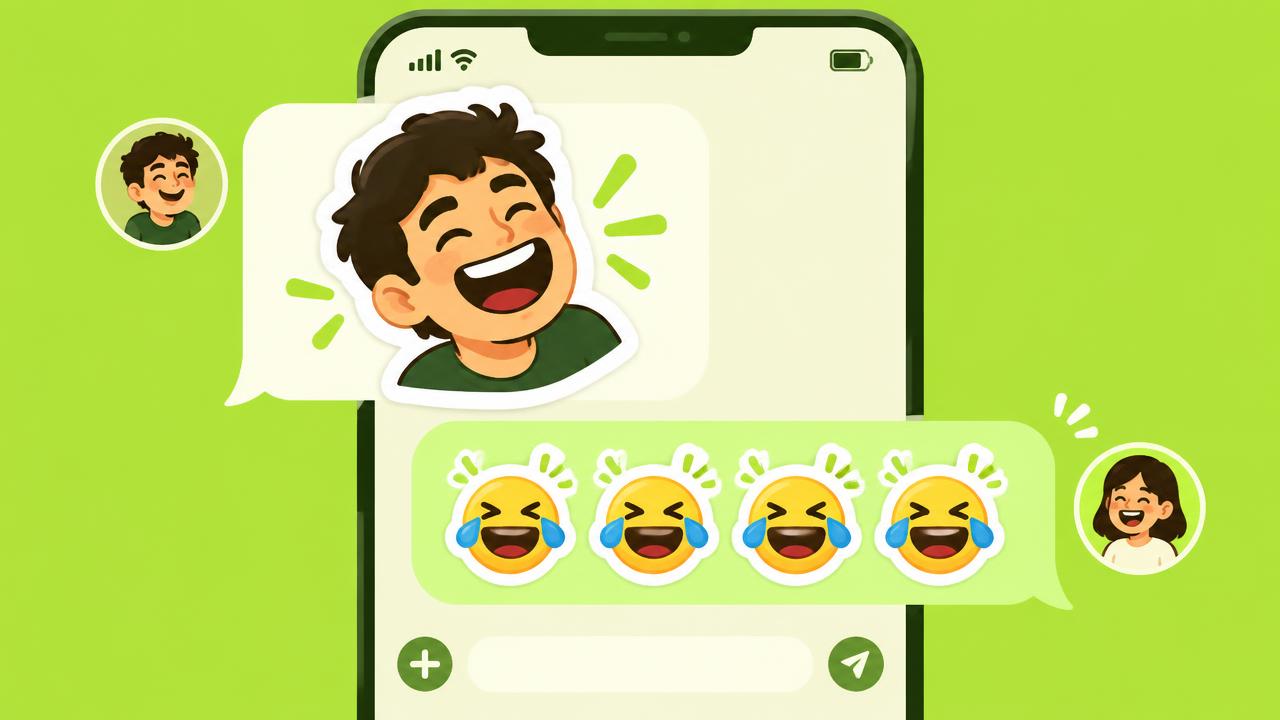
Reuse a sticker from a chat
Start with a sticker you have received, rather than a screenshot of it. Look for the sticker-saving options available in your version of WhatsApp and follow the current official Help Center instructions. A photo attachment is not yet a saved sticker.
Find stickers available in WhatsApp
Check the sticker panel in your chat for the packs and search options offered on your device. Availability, control names and any AI creation features may vary by country and software version. You do not need an AI feature to use an existing sticker.
Make funny reaction images of yourself
In STIKME, use a clear single-face photo and choose SASSY for side-eye reactions or CHAOS for exaggerated expressions. Choose a caption language or write your own short text. The result is 10 generated images to review, not an automatically installed WhatsApp pack.
Download, then add an individual image
Leave an email to download or share your pack. The free download includes a MADE WITH STIKME credit; the optional one-time $1.99 payment removes that credit. Extract the ZIP before choosing an individual image in a supported WhatsApp sticker-creation flow.
If sharing sends a photo or a ZIP
That is a file share, not confirmation that the sticker was added. Keep the extracted images, check the controls offered by your WhatsApp version, and follow its official help. STIKME cannot guarantee that one sharing action installs the full set.