How to Make Meme Stickers With Your Own Face
Last updated: 2026-11-21
Start with a reaction you actually use, such as a side-eye, a dramatic NOPE or a celebration. Pair it with a short caption and your own face instead of reposting someone else's image.
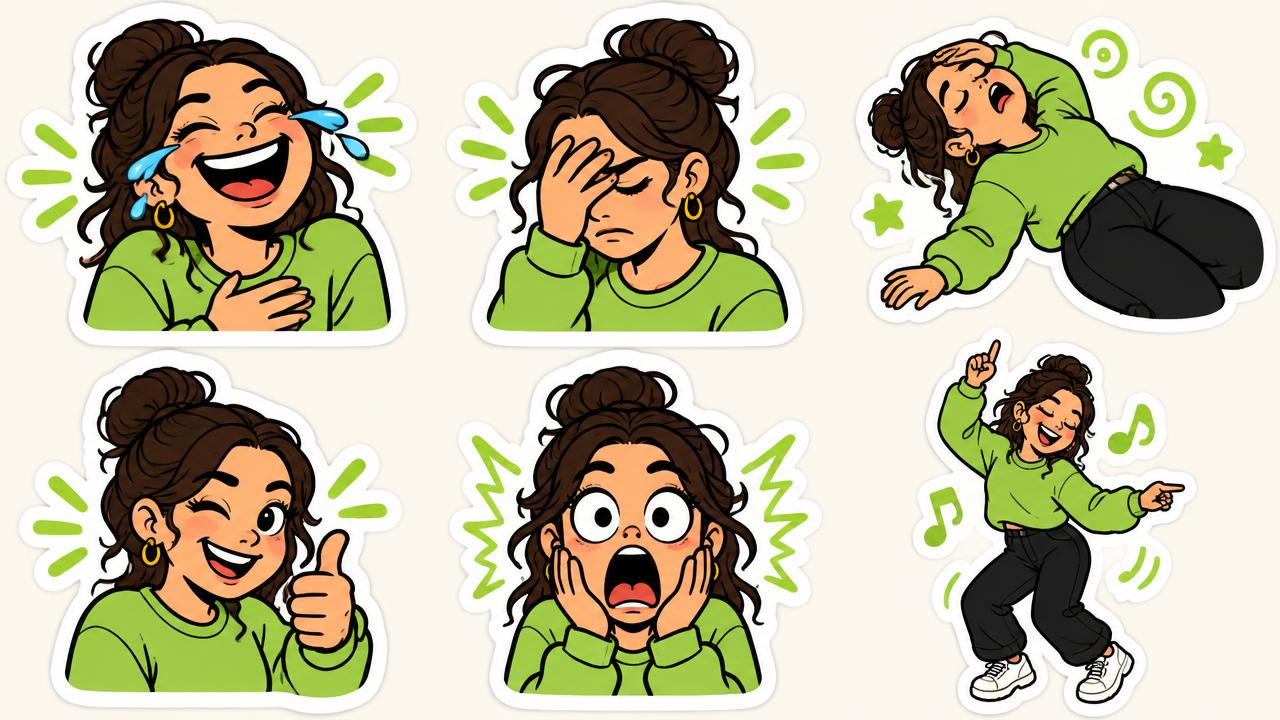
Choose a reaction before a caption
Use SASSY for skeptical or sarcastic reactions and CHAOS for exaggerated expressions. For an inside joke, use your own photo or a friend's photo only with their permission. STIKME is a face-based generator, not a general meme screenshot importer.
Keep the joke readable
Try NOPE with a dismissive pose, TOLD YOU with a knowing look, or ON MY WAY for the friend who is still getting ready. Keep captions short and check the final preview at chat size. Avoid text that covers the face.
Create the images in STIKME
Upload or take a clear single-face photo, choose a vibe and language, and optionally enter custom captions. STIKME generates 10 reaction images. Review the faces and text before downloading; AI output can need adjustment.
Download is not the same as adding a sticker
Leave an email before the download or share step. The ZIP is a folder of images plus instructions, not an automatic WhatsApp pack installer. Extract it and use an individual image in the sticker-creation flow supported by your WhatsApp version. Consult the official help if the control is missing.
Check your file before using it
Keep the face and caption fully inside the square. Our free resizer prepares a 512 x 512 WebP from an image, but it does not remove an existing background or install a sticker in a chat app.