WhatsApp Sticker Size and Format Explained
Last updated: 2026-11-21
Wondering why some stickers look crisp and others look like a pasted photo? It comes down to size, format and background.
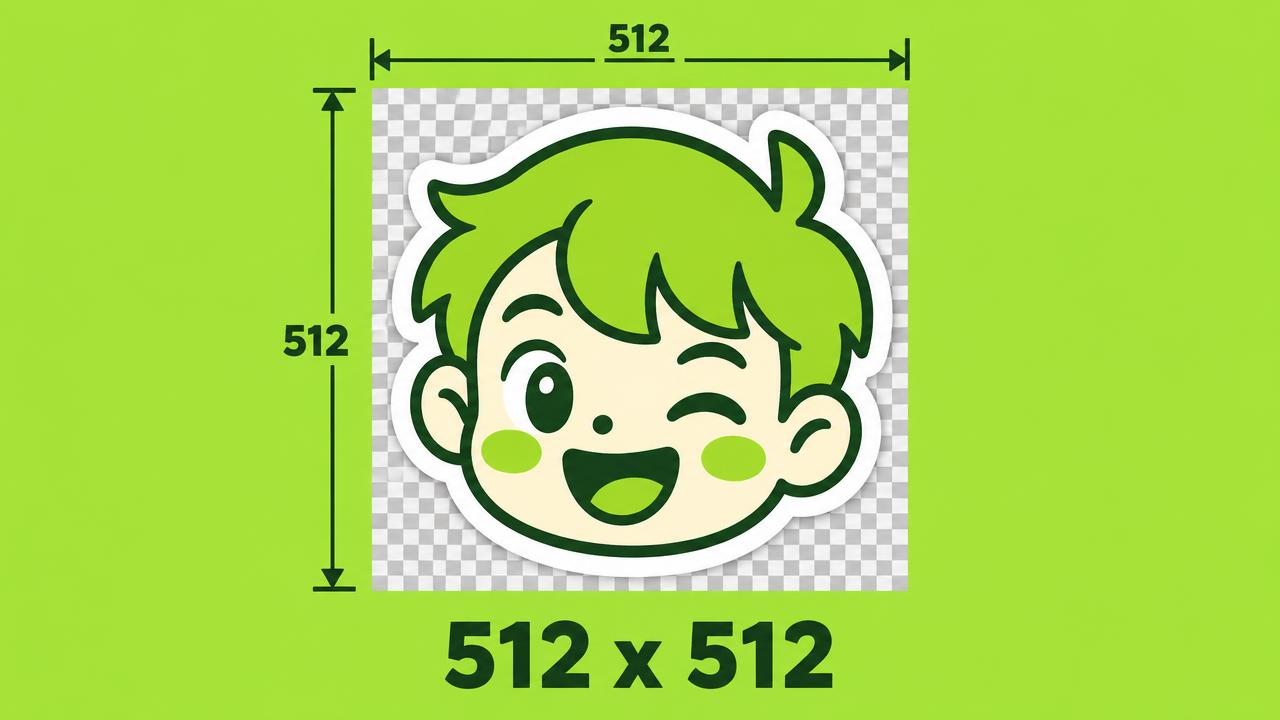
Square and transparent
WhatsApp stickers are square images with a transparent background, exactly 512 x 512 pixels. The transparency is what makes them float in the chat instead of looking like a photo.
If the background is not transparent, the sticker shows up as a solid square and instantly looks homemade in the wrong way.
The file format
WhatsApp's official sticker format is WebP, and a static sticker must stay under 100 KB. That is why a regular JPG from your gallery sometimes gets rejected or compressed into mush.
STIKME prepares square files and attempts WebP compression when downloading. A browser may fall back to PNG, and some images can exceed the target size. Check the file rather than assuming every download meets a sticker-import limit.
The white outline
Most stickers have a thin white border around the subject. It keeps the sticker readable on both light and dark chat backgrounds. STIKME adds it for you.
Why stickers look blurry
Two usual suspects: the source image was small and got stretched to 512 pixels, or the sticker was re-saved as a JPG and lost its transparency. Starting from a sharp photo and keeping the right format solves both.