How to Make Stickers on iPhone
Last updated: September 24, 2026
Your iPhone can already turn photos into stickers. Here are the built-in methods, plus the fastest way to get a whole pack of stickers with your own face.
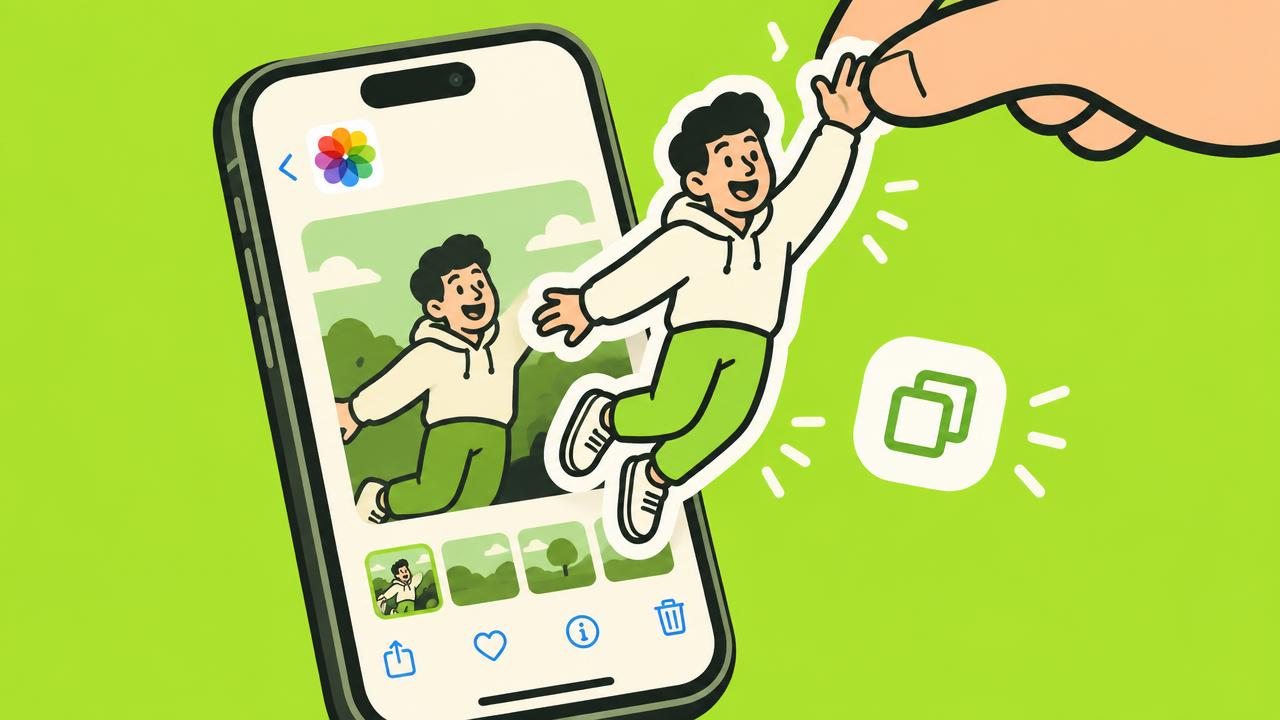
The built-in trick: lift a subject
Open a photo in the Photos app, press and hold the person or object, and iOS lifts it off the background. Tap Add Sticker to save it to your sticker drawer. This works on iOS 16 and later.
Make stickers inside Messages
In iMessage, tap the plus button, choose Stickers, then tap New Sticker. Pick a photo and your iPhone cuts out the subject. You can add effects like a white outline or a puffy look.
What about WhatsApp?
The built-in sticker drawer works in iMessage, but WhatsApp needs its own stickers. In a WhatsApp chat, open the sticker menu and tap Create sticker to turn one photo into a single sticker.
The faster way: a full pack in one go
One photo at a time is slow. STIKME turns a single selfie into 10 stickers with different poses and captions in your language, ready to send in WhatsApp. No editing, no cutting out backgrounds yourself.